Make your first piece
Ask for a postcard, flyer or post in plain words and get it back in your brand.
Step 2: Type what you want, with the facts
Click in the message box and say what you want. Include the facts that belong on it: the address, price, beds, baths, and anything special.
Brand Launch only puts facts on a piece that you give it, so the more you include, the better it gets.
Type something like thisMake me a just-sold postcard for 412 Maple Lane, Nixa. 3 bed, 2 bath, 1,650 sq ft. Sold for $289,000 in 9 days with multiple offers.
Step 3: Press Enter to send
Press the Enter key, or click the orange send button. Most pieces take a minute or two. You’ll see “Designing…” while it works.

Tap the picture to see it bigger 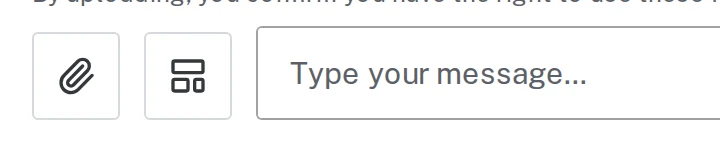
Tap the picture to see it bigger Step 4: Look it over, then download it
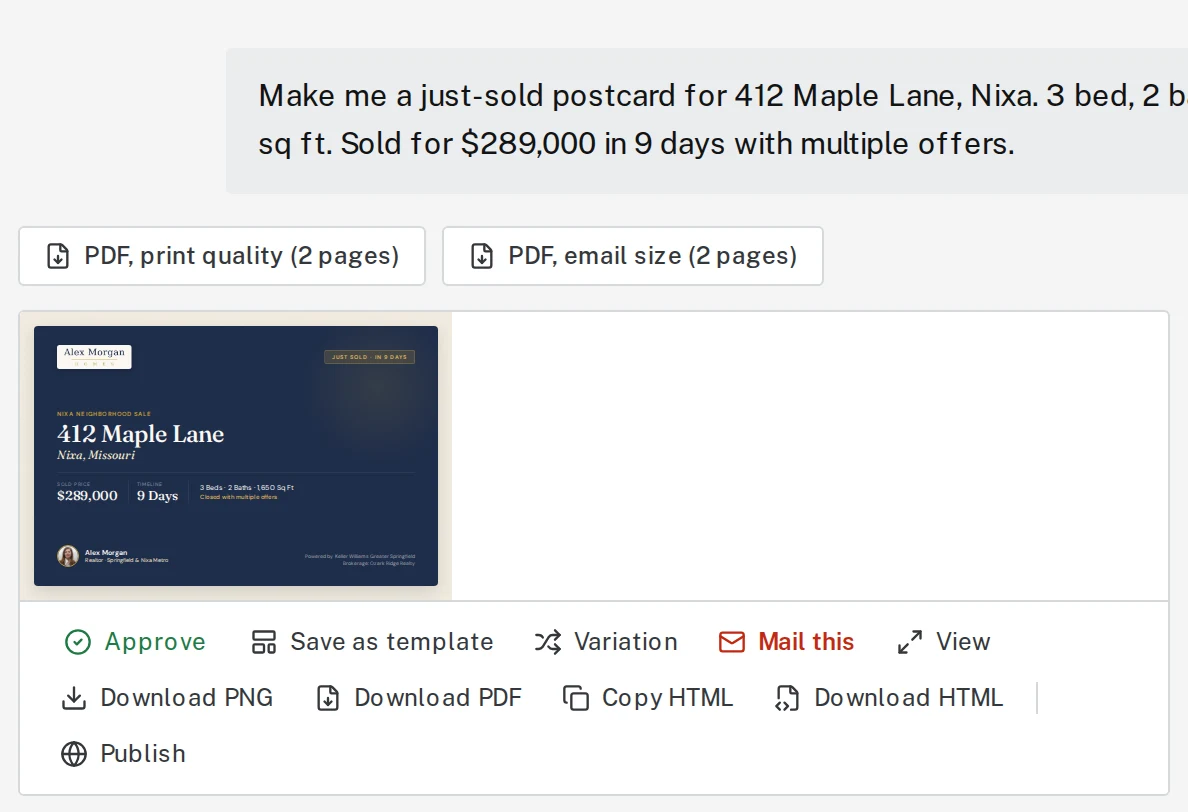
Your design appears in the chat with a row of buttons under it.
- Download PDF for printing or emailing.
- Download PNG for a picture you can post or text.
Want something changed? Just type it, like “make the headline bigger.”
Tap the picture to see it bigger
That’s it
To make something different next, click Start something new above the message box, so your next request starts fresh.
Next, try
Still stuck?
Send an email and tell us what you were trying to do. A screenshot helps, but it's not required. A real person will write back.
Email john@brandlaunch.vip