Make a CMA
Grab your comps from the MLS, write your pricing thoughts in plain English, attach, and send.
Before you start, have these ready
- Your MLS login
- The subject property’s address, beds, baths and square feet
- 5 to 10 minutes for Brand Launch to build it (you can walk away)
Step 1: Pull your comps in the MLS and save them as a PDF
Search your MLS the way you normally do for comps. Pick your best sold comps (at least 2, ideally 3 to 6) and any active listings you want to show.
Then select those listings and print them as a PDF. In most MLS systems (Matrix included), you check the box next to each listing, click Print, pick a report with full details, and save it as a PDF.
Step 2: Write your pricing thoughts in plain English
This is where you sound like you. Write a few short lines the way you’d explain it to your sellers at the kitchen table:
- Which comp is the best match, and why.
- Which ones are better or worse than your sellers’ home (bigger, updated, needs work).
- What the active listings tell you.
- The price you’d list at, and the range you expect offers in.
Brand Launch does the math (price per square foot, averages) for you. Your job is the judgment.
Example message (copy it and change the details)Make me a CMA for my sellers, Tom and Linda Parker, at 512 Cedar Hollow Ln, Nixa. 3 bed, 2 bath, 1,680 sq ft, built 2006. My pricing notes: - Best comp is 418 Cedar Hollow. Same street, same floor plan. Sold for $279,900 in 12 days. - 905 Juniper sold for $289,500, but it has a 4th bedroom, so ours should be a little lower. - 633 Hickory Glen sold for $259,000, but it needed updates. Ours has a new roof (2024) and an updated kitchen. - The two actives are $294,900 and $299,000. The $299,000 one has sat 44 days, so that’s too high. - I’d list at $284,900 and expect offers between $278,000 and $285,000.
Step 3: Open Create content
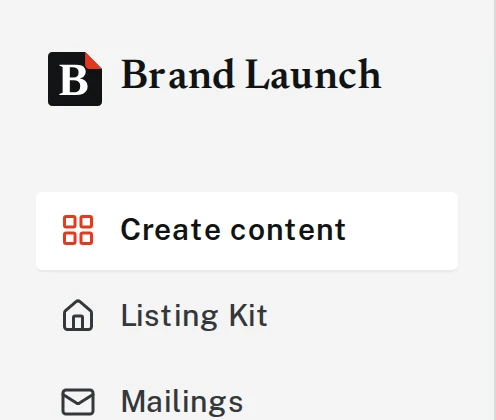
In the menu, click Create content. On a phone, tap the three lines (☰) at the top to open the menu first.
Tap the picture to see it bigger If an old design is showing, click Start something new above the message box so you start fresh.

Tap the picture to see it bigger 
Tap the picture to see it bigger Step 4: Click the paperclip and pick your comps
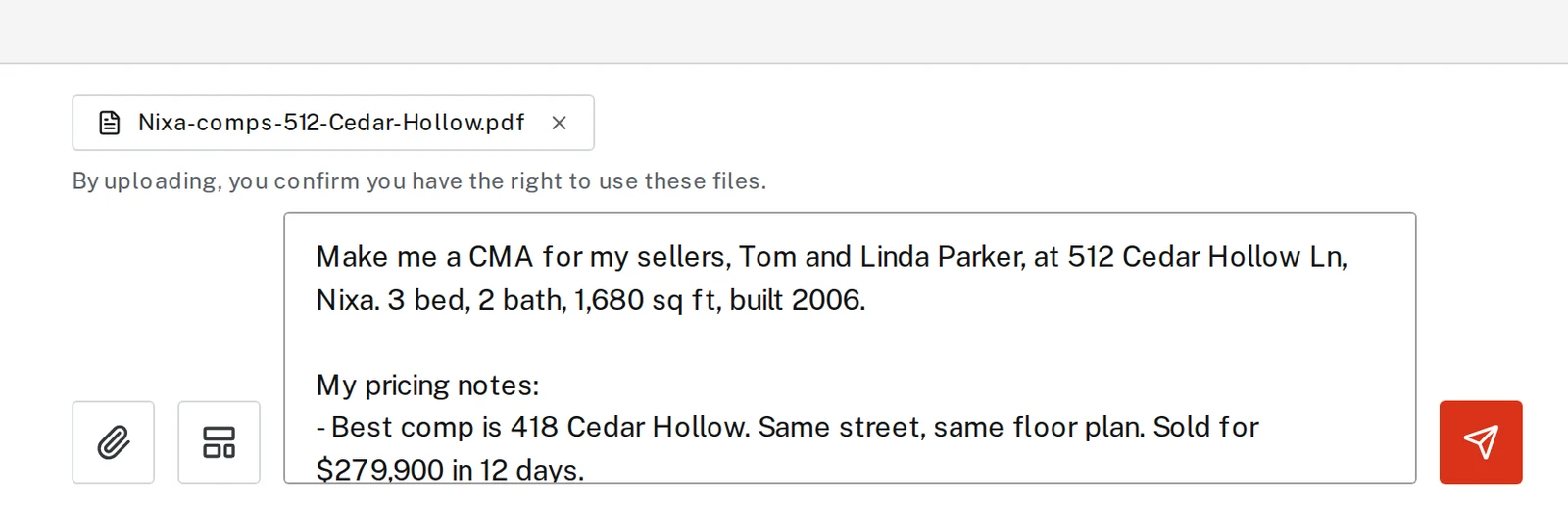
Click the paperclip to the left of the message box. Pick your comps PDF (or your screenshots) and click Open.

Tap the picture to see it bigger 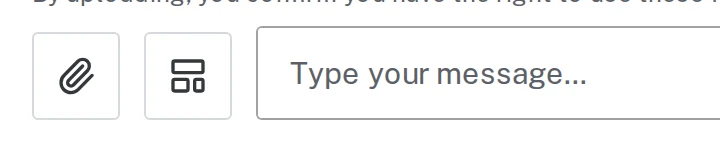
Tap the picture to see it bigger Step 5: Paste your message and send
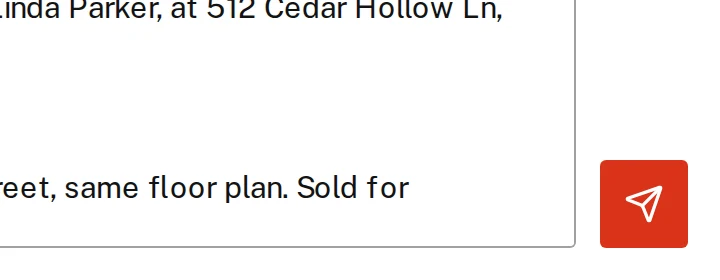
Paste or type your message into the box. Start it with “Make me a CMA for…” so Brand Launch knows what you want. Check that your comps file shows above the box, then click the orange arrow button on the right (or press Enter).
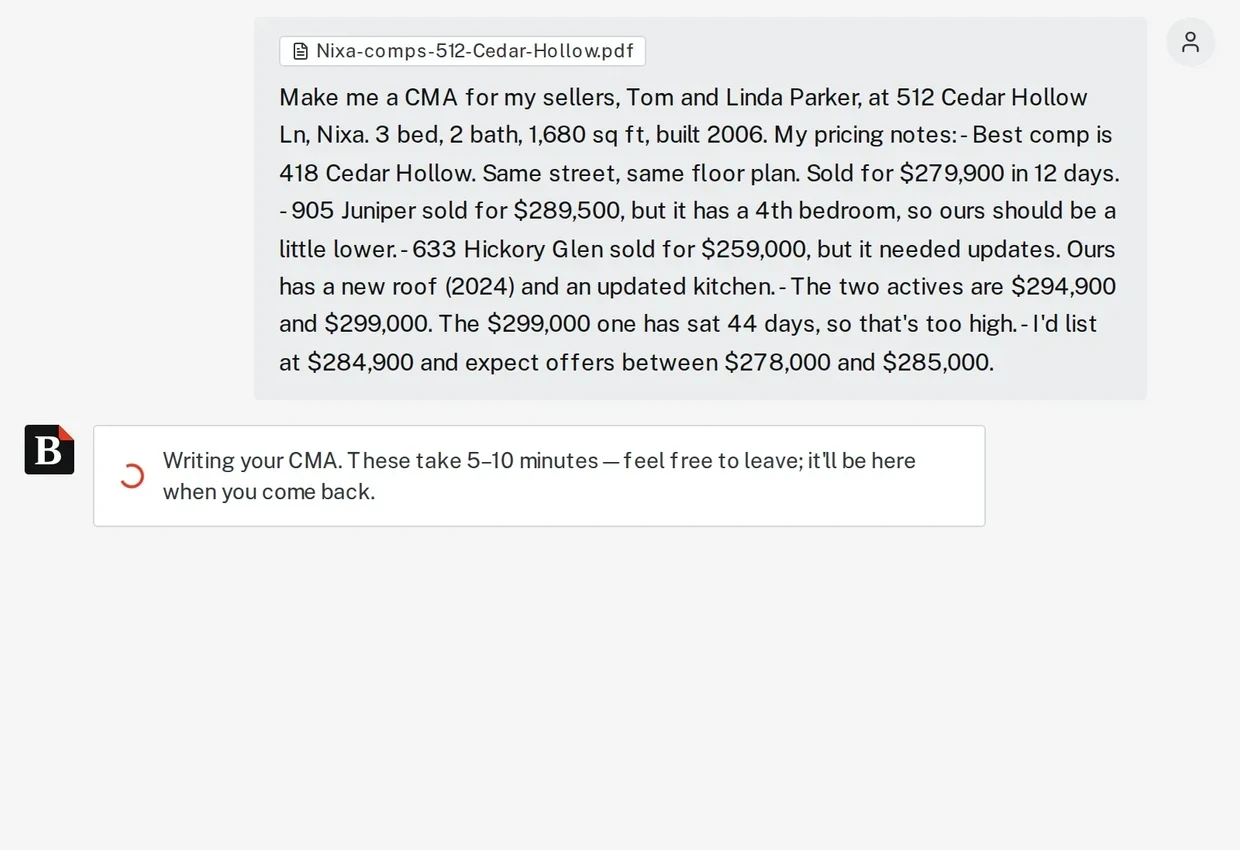
Tap the picture to see it bigger Step 6: Wait about 5 to 10 minutes
You’ll see “Writing your CMA. These take 5–10 minutes.” You can close the page or do something else. When you come back, open it from History.
Tap the picture to see it bigger Step 7: Check it, then download
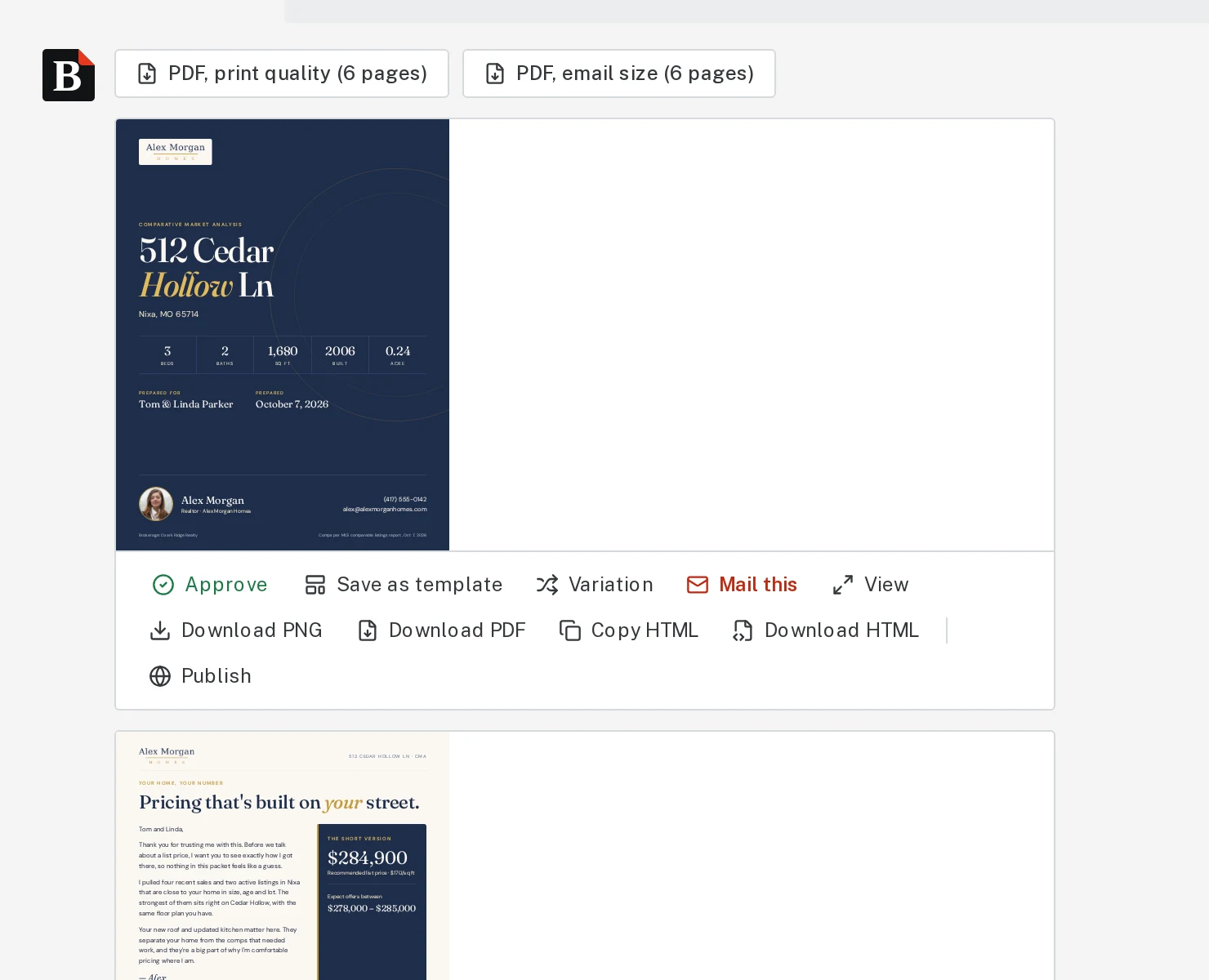
Read it over like you would any CMA, especially the numbers. To fix anything, type it: “Change the suggested price to $283,900” or “Add a page about recent updates to the home.”
When it’s right, click PDF, print quality to print it, or PDF, email size to email it.
Tap the picture to see it bigger 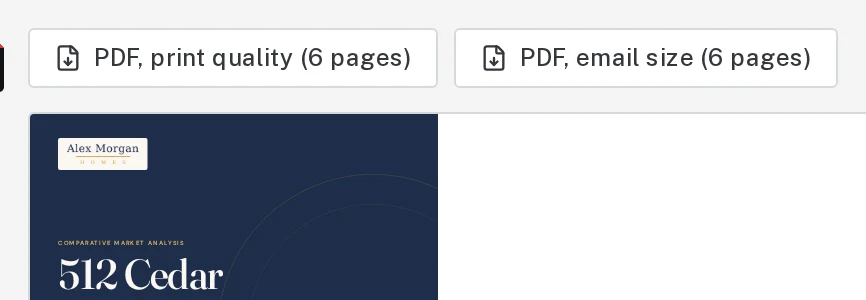
Tap the picture to see it bigger
That’s it
Want market stats in it too? Add an InfoSparks link to your message. See Add MLS stats from InfoSparks.
Next, try
- Add MLS stats from InfoSparksBring real numbers from your MLS, like median price and days on market, into a market update or CMA.
- Attach photos and filesAdd listing photos, MLS sheets, comps and other documents to your request.
- Make a seller net sheetShow your sellers roughly what they’ll walk away with.
Still stuck?
Send an email and tell us what you were trying to do. A screenshot helps, but it's not required. A real person will write back.
Email john@brandlaunch.vip