Update your phone, email, website or brokerage
Fix the contact details that go on every piece.
About 2 minutes · 2 steps
Step 1: Click Brand profile
Click Brand profile in the menu. These are your answers from when you signed up.
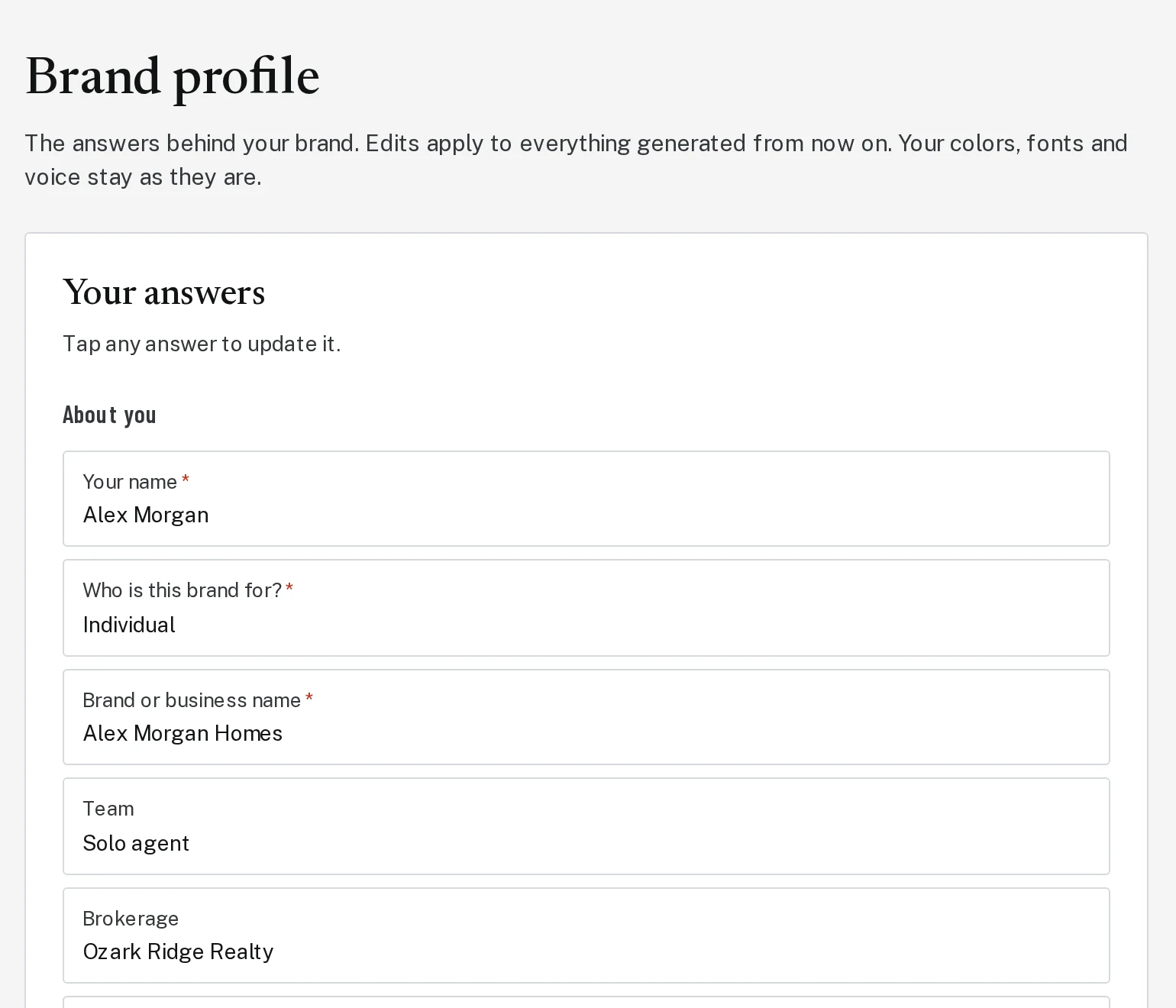
Tap the picture to see it bigger Step 2: Click the answer to change, then save
Scroll to the one you want, like your phone number or brokerage. Click it, type the new answer, and click Save profile.
Next, try
Still stuck?
Send an email and tell us what you were trying to do. A screenshot helps, but it's not required. A real person will write back.
Email john@brandlaunch.vip