See and download your brand guide
Your colors, fonts, logo and voice in one place, with a PDF to share.
About 2 minutes · 2 steps
Step 1: Click My brand
Click My brand in the menu. You’ll see your logo, colors, fonts and the way your pieces sound.
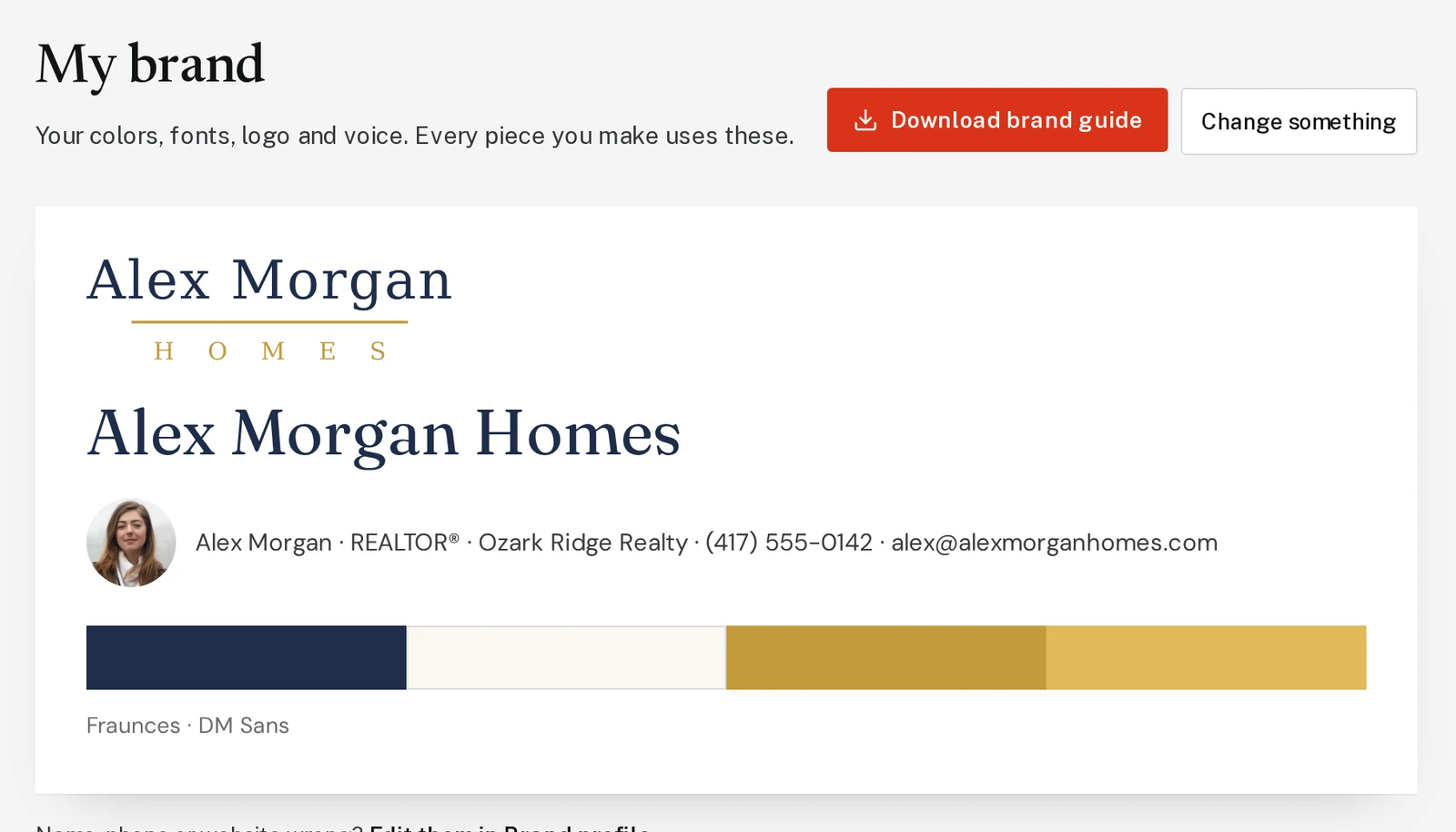
Tap the picture to see it bigger Step 2: Download the brand guide
Click Download brand guide for a PDF you can hand to a printer, sign company or web designer.
Next, try
Still stuck?
Send an email and tell us what you were trying to do. A screenshot helps, but it's not required. A real person will write back.
Email john@brandlaunch.vip