Teach Brand Launch about you and your market
Add your bio, sales record, testimonials or market reports once, and every piece can use them.
About 3 minutes · 2 steps
Step 1: Click Knowledge, then Add knowledge
Click Knowledge in the menu, then Add knowledge.
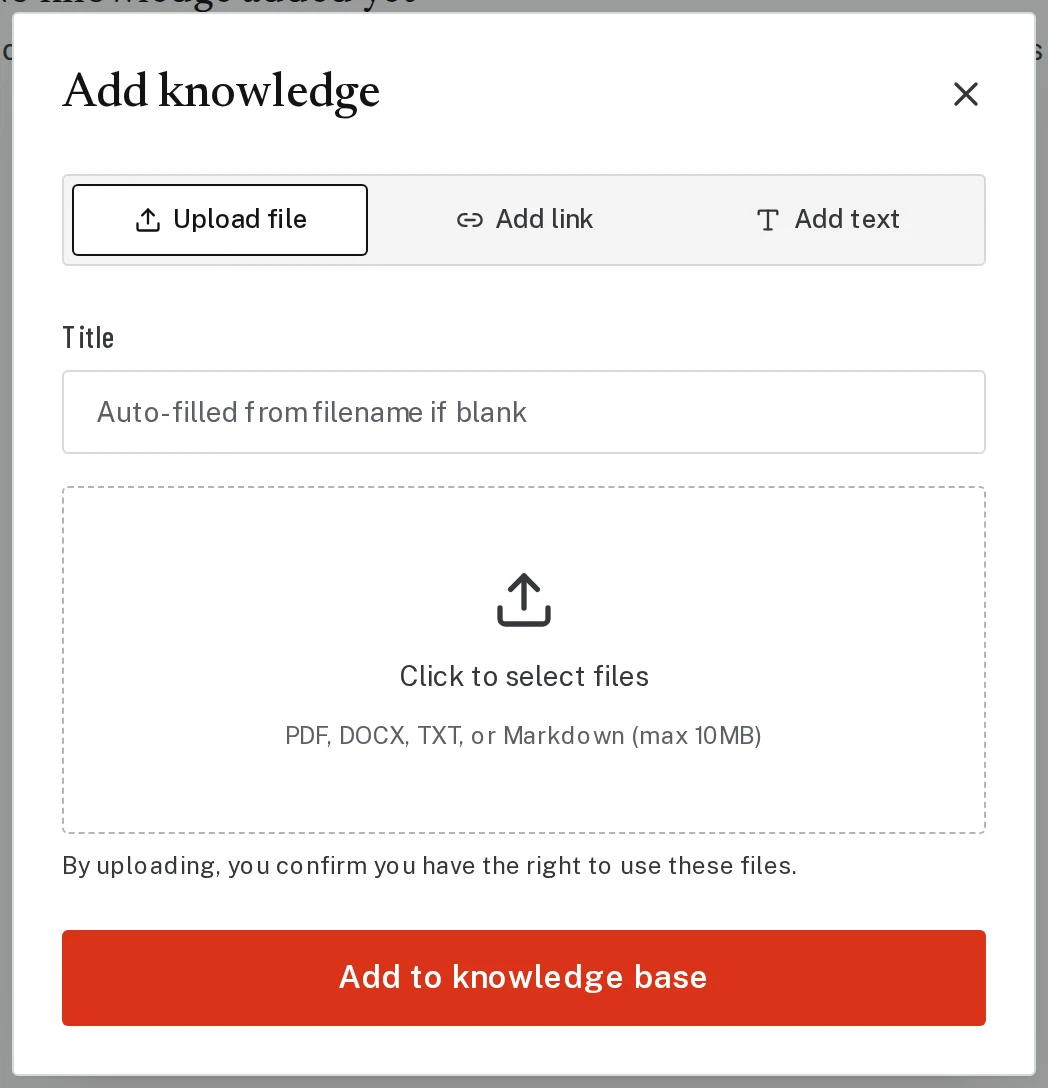
Tap the picture to see it bigger Step 2: Upload a file or paste text
Pick a tab:
- Upload file: a PDF or Word document, like your bio or a market report.
- Add text: paste or type anything, like client reviews or your sales numbers.
- Add link: a web page about you.
Give it a title and click Add to knowledge base.
Next, try
Still stuck?
Send an email and tell us what you were trying to do. A screenshot helps, but it's not required. A real person will write back.
Email john@brandlaunch.vip