Other ways to add market stats
No InfoSparks? Use a market report PDF, paste the numbers, or let Brand Launch use your board’s stats.
Step 1: Attach a market report
Many boards and MLSs email a monthly market report as a PDF. Attach it with the paperclip in Create content and say what to make from it: “Make a market update postcard from this report, focused on Lake Ozark.”
Step 2: Or just type the numbers
If you already know the numbers, put them right in your message. Brand Launch uses exactly what you give it.
Type something like thisMake an Instagram post about the Nixa market for September: median price $285,000 (up 4% from last year), average 18 days on market, 2.1 months of supply.
Step 3: Save numbers you use often in Knowledge
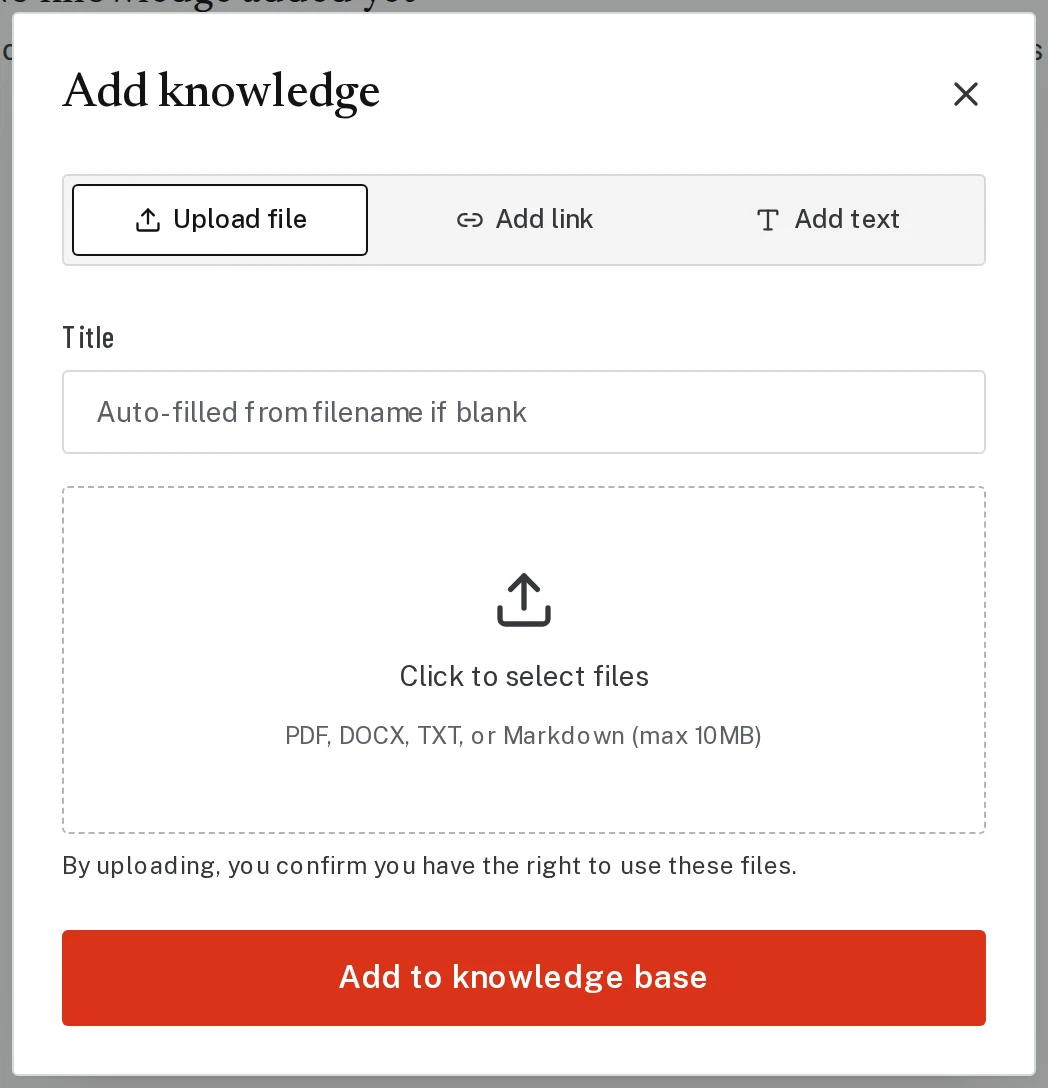
Click Knowledge, then Add knowledge. Upload the report or paste the numbers under Add text. Brand Launch keeps them handy for every piece you make, so you don’t have to attach them each time.
Tap the picture to see it bigger Step 4: Your board’s stats may already be there
In some areas, Brand Launch adds your board’s monthly stats on its own. Look in Knowledge for rows that say “Market stats, added automatically.” If you see them, just ask for a market update and name your town.
Next, try
- Add MLS stats from InfoSparksBring real numbers from your MLS, like median price and days on market, into a market update or CMA.
- Make a market updateA postcard, letter or post that tells your farm or sphere what the market is doing.
- Teach Brand Launch about you and your marketAdd your bio, sales record, testimonials or market reports once, and every piece can use them.
Still stuck?
Send an email and tell us what you were trying to do. A screenshot helps, but it's not required. A real person will write back.
Email john@brandlaunch.vip