Print postcards or letters yourself
Get print-ready files and address labels to print in your office, free.
About 5 minutes · 3 steps
Step 1: Click Mail this, then upload your list
Under your postcard or letter, click Mail this, upload your list, and clean it, the same as in Mail postcards for you.
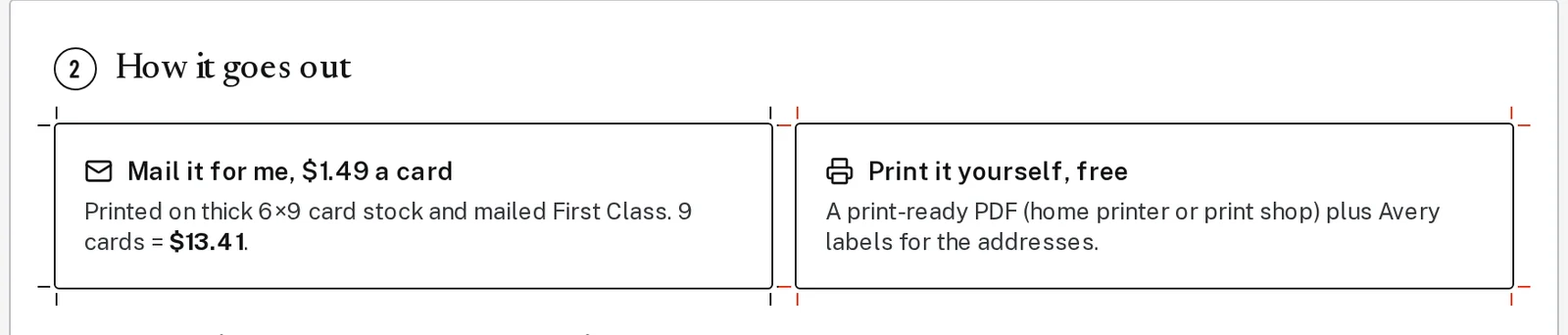
Step 2: Choose Print it yourself
Under How it goes out, pick Print it yourself, free.
Tap the picture to see it bigger Step 3: Build and download your files
Click Build my print files, then Download mailing kit. You get a zip file with the pieces ready to print and address labels for Avery 5160 label sheets.
Next, try
Still stuck?
Send an email and tell us what you were trying to do. A screenshot helps, but it's not required. A real person will write back.
Email john@brandlaunch.vip