Mail postcards or letters for you
Upload your list, and Brand Launch prints and mails them. $1.49 a postcard, $1.99 a letter.
Before you start, have these ready
- A postcard (6 × 9) or letter you made in Brand Launch
- Your mailing list as a spreadsheet (Excel or CSV) with names and addresses
Step 2: Upload your list
Click Upload your list and pick your spreadsheet. A county or farm export works as-is. Up to 5,000 addresses.
Brand Launch shows which column is which (owner name, address, city, state, ZIP). Fix any that are wrong, then click Clean my list. It tidies up owner names and holds out bad addresses. This takes under a minute.
Step 3: Choose Mail it for me
Under How it goes out, pick Mail it for me. Fill in your return address the first time.
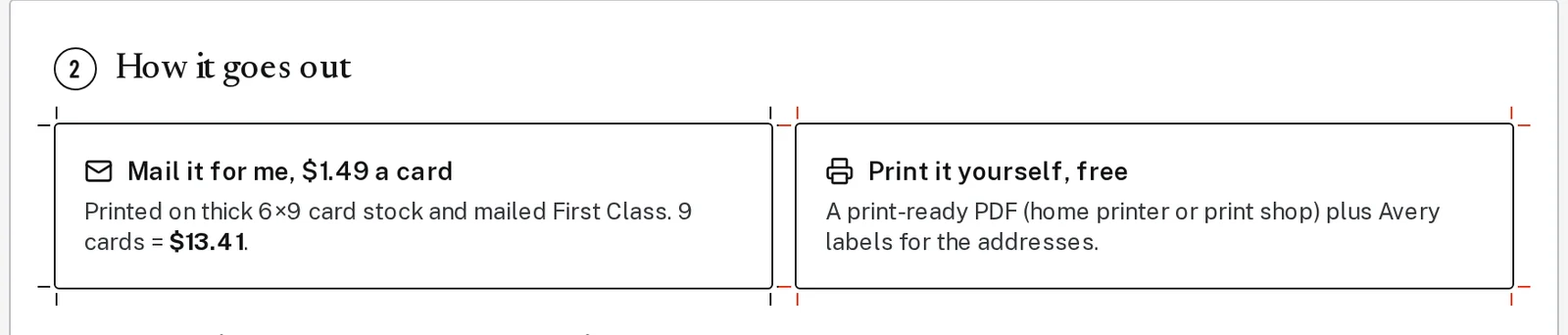
Tap the picture to see it bigger Step 4: Check it, then pay and mail
Click Check my postcard. In about 20 seconds Brand Launch checks that it will print well. You can also open the printer’s proof to see exactly what will print.
Check the total, then click the orange Pay $14.90 and mail button. It shows your own total.
Step 5: Changed your mind? You have 60 minutes
Mailings wait 60 minutes before they go to the printer. Click Cancel mailing in that time for a full refund. You can follow progress in Mailings.
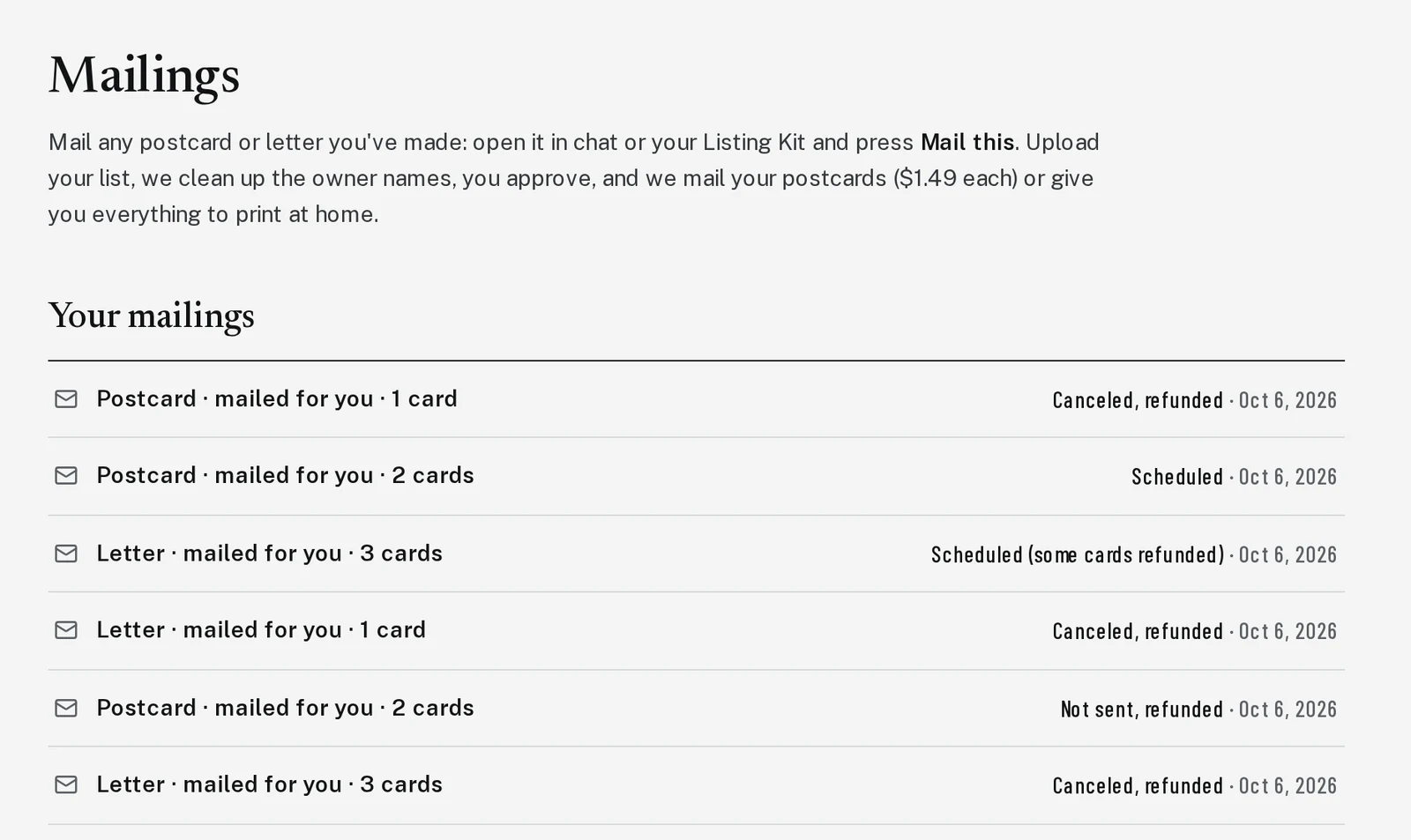
Tap the picture to see it bigger
Next, try
Still stuck?
Send an email and tell us what you were trying to do. A screenshot helps, but it's not required. A real person will write back.
Email john@brandlaunch.vip