Make social media posts
Instagram and Facebook posts, stories and carousels in your brand.
About 3 minutes · 3 steps
Step 1: Say which kind of post
Click Create content and name the kind of post. Each one comes out the right size:
- Instagram post or Facebook post: a square picture for the feed.
- Story: tall, for Instagram or Facebook stories.
- Carousel: several slides people swipe through.
Type something like thisMake an Instagram carousel with 5 tips for first-time buyers in Springfield.
Step 2: Ask for a caption too
Once the design is done, type “Write me a caption for this.” You’ll get the text back to copy and paste.
Step 3: Download it and post
Click Download PNG and post the picture from your phone or computer the way you usually do. Want Brand Launch to post for you? See Post to Instagram and Facebook.
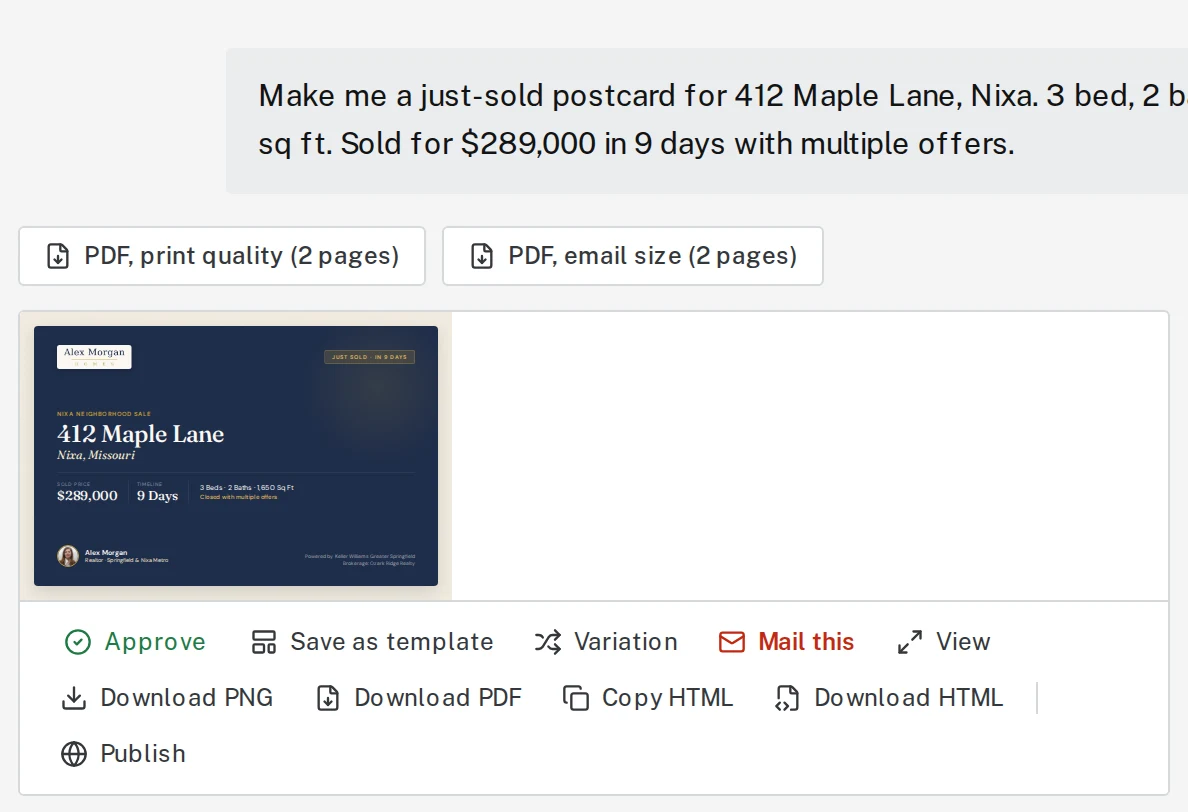
Tap the picture to see it bigger
Next, try
Still stuck?
Send an email and tell us what you were trying to do. A screenshot helps, but it's not required. A real person will write back.
Email john@brandlaunch.vip