Post to Instagram and Facebook from Brand Launch
Connect your accounts once, then post or schedule a design without leaving Brand Launch.
About 4 minutes · 3 steps
Step 1: Turn on Post for me in Settings
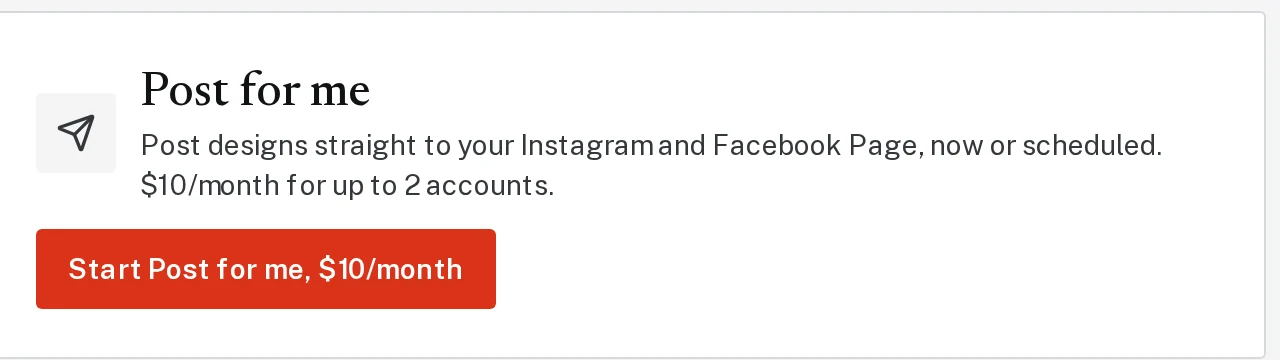
Click Settings, then Start Post for me, $10/month. It covers up to 2 accounts.
Tap the picture to see it bigger Step 2: Connect your accounts
Click Connect Instagram and Connect a Facebook Page, and log in when asked.
Step 3: Click Post under any design
A Post button now shows under your designs. Click it, write or edit the caption, check the accounts to post to, and click Post now, or pick a time and click Schedule.
Next, try
Still stuck?
Send an email and tell us what you were trying to do. A screenshot helps, but it's not required. A real person will write back.
Email john@brandlaunch.vip