Make a flyer
A property flyer, open house flyer or one-page handout.
About 3 minutes · 3 steps
Step 1: Attach your photos
Click Create content, then the paperclip. Pick 2 to 5 of your best listing photos. The first one usually becomes the big photo.

Tap the picture to see it bigger 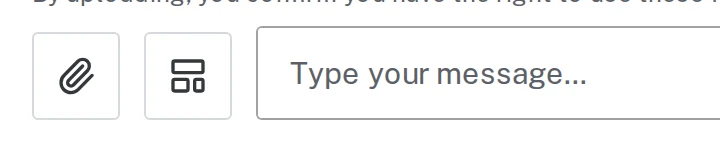
Tap the picture to see it bigger Step 2: Ask for a flyer with the details
Say “flyer” and list what belongs on it. Anything you want highlighted, say so.
Type something like thisMake a property flyer for 211 Lakeview Ct, Osage Beach. $425,000, 3 bed, 2.5 bath, 2,100 sq ft. New roof 2025, covered deck, walk to the lake. Put a QR code to my listing page: https://www.example.com/211-lakeview
Step 3: Download and print
Check it over, then click Download PDF and print it on regular letter paper.
Next, try
Still stuck?
Send an email and tell us what you were trying to do. A screenshot helps, but it's not required. A real person will write back.
Email john@brandlaunch.vip