Find something you made before
Open an old design to download it again or make changes.
About 2 minutes · 2 steps
Step 1: Click History
In the menu on the left, click History. Everything you’ve made is listed, newest at the top.
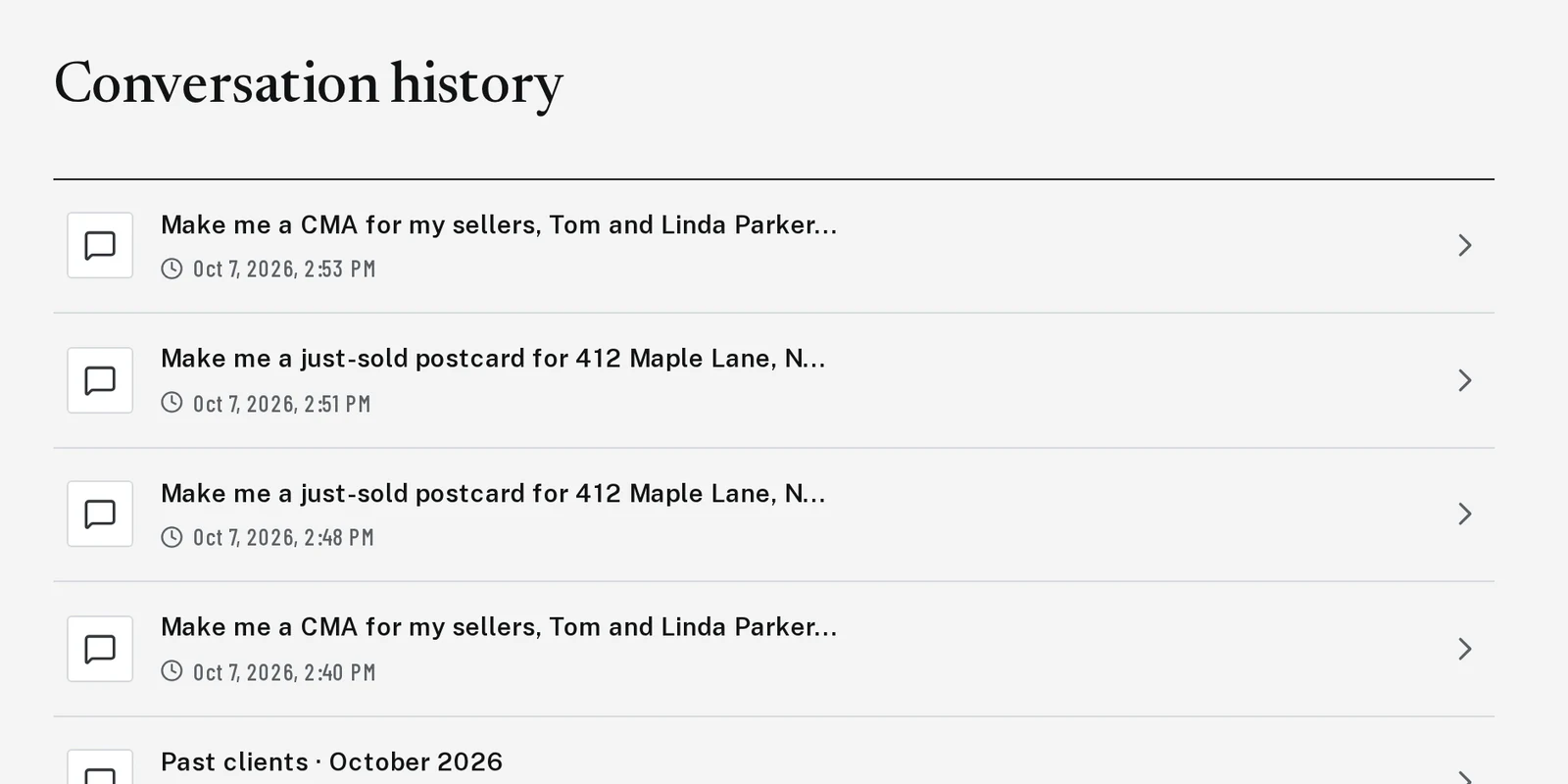
Tap the picture to see it bigger Step 2: Click the one you want
Click any line to open that conversation. Your design and its buttons are right where you left them, so you can download it again or type a change.
Next, try
Still stuck?
Send an email and tell us what you were trying to do. A screenshot helps, but it's not required. A real person will write back.
Email john@brandlaunch.vip