Manage your subscription or password
Subscribe, update your card, cancel, or change your password.
About 2 minutes · 3 steps
Step 1: Click Settings
Click Settings at the bottom of the menu.
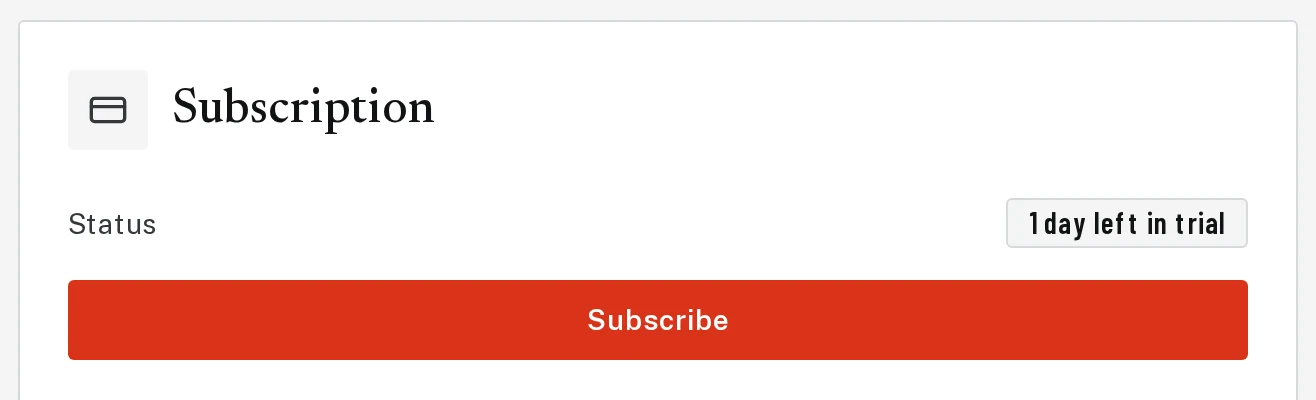
Step 2: Subscription
Under Subscription, click Subscribe to start, or Manage subscription to update your card, see receipts or cancel.
Tap the picture to see it bigger Step 3: Change your password
Scroll down to Change password. Type your new password twice (at least 8 characters) and click Update password.
Next, try
Still stuck?
Send an email and tell us what you were trying to do. A screenshot helps, but it's not required. A real person will write back.
Email john@brandlaunch.vip