Put a page online
Turn a design into a web page with its own link you can text or post.
About 3 minutes · 3 steps
Step 1: Make a page
Ask for a web page: “Make a landing page for my buyer guide” or “Make a web page for 864 Eagle Drive.”
Step 2: Click Publish
Under the design, click Publish. The first time, pick a username, like your name. You can’t change it later, so choose one you’ll keep. Then name the page and click Publish.
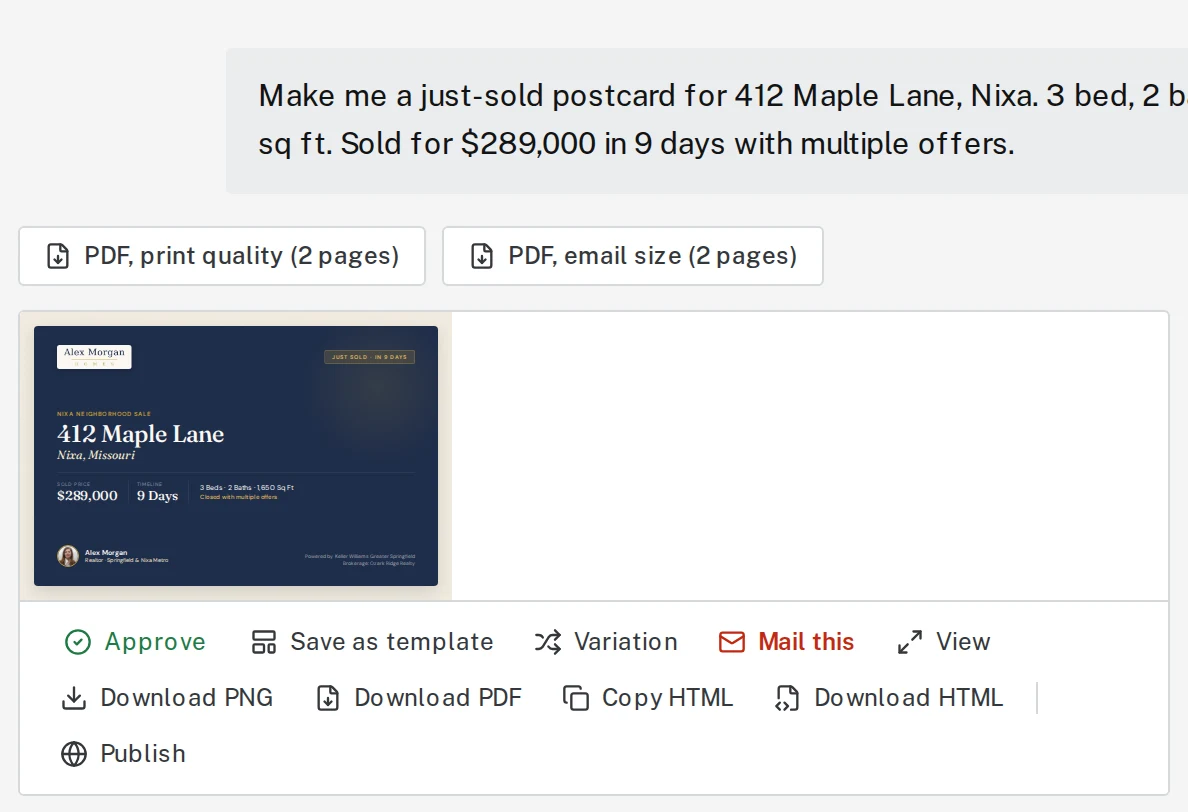
Tap the picture to see it bigger Step 3: Copy the link and share it
Click Copy link. Paste it into a text, email or post.
Next, try
Still stuck?
Send an email and tell us what you were trying to do. A screenshot helps, but it's not required. A real person will write back.
Email john@brandlaunch.vip