Open house, price change or sold? Make the next kit
Reuse the same listing for its next moment without pasting the link again.
About 2 minutes · 3 steps
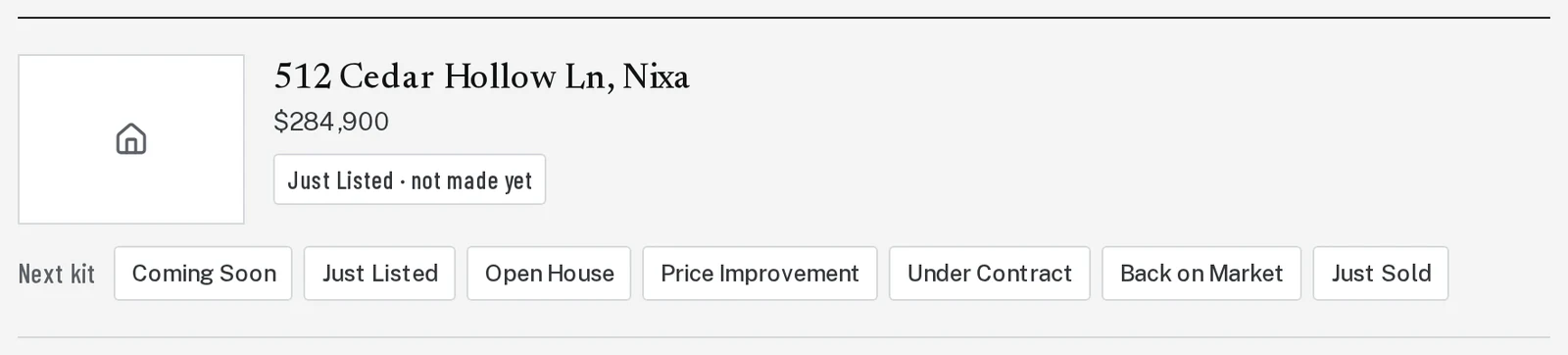
Step 1: Find the listing under Your listings
Click Listing Kit. Scroll down to Your listings. Each listing you’ve made a kit for is there.
Step 3: Price changed? Brand Launch can tell you
Brand Launch checks your listings every night. When the price changes, you’ll see a note with Make the Price Improvement kit. You can also click Check for price change any time.
Next, try
Still stuck?
Send an email and tell us what you were trying to do. A screenshot helps, but it's not required. A real person will write back.
Email john@brandlaunch.vip