Start a team and invite your agents
Put every agent on your team’s look, each with their own face and contact info.
About 8 minutes · 3 steps
Step 1: Start from Settings, or from the Teams page
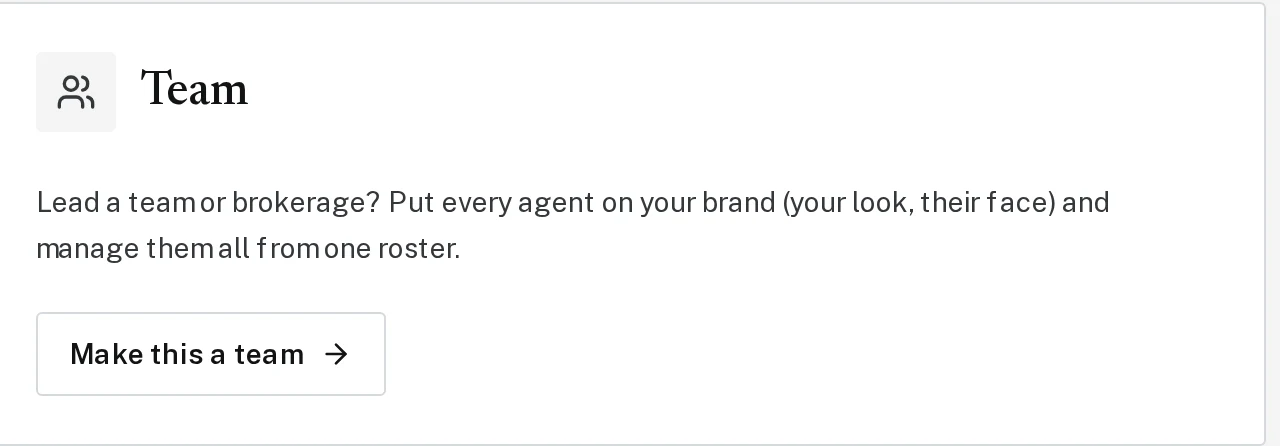
Already have Brand Launch? Click Settings, then Make this a team. New to Brand Launch? Go to brandlaunch.vip/teams and click to get started.
Tap the picture to see it bigger Step 2: Set what’s shared
Choose what every agent’s pieces must have, like your disclaimer or a team contact line, and how prominent it should be. Then continue to payment.
Step 3: Invite your agents
Click Team in the menu, type an agent’s email under Invite a member, and click Send invite. You can also copy the invite link and text it to them.
Next, try
Still stuck?
Send an email and tell us what you were trying to do. A screenshot helps, but it's not required. A real person will write back.
Email john@brandlaunch.vip